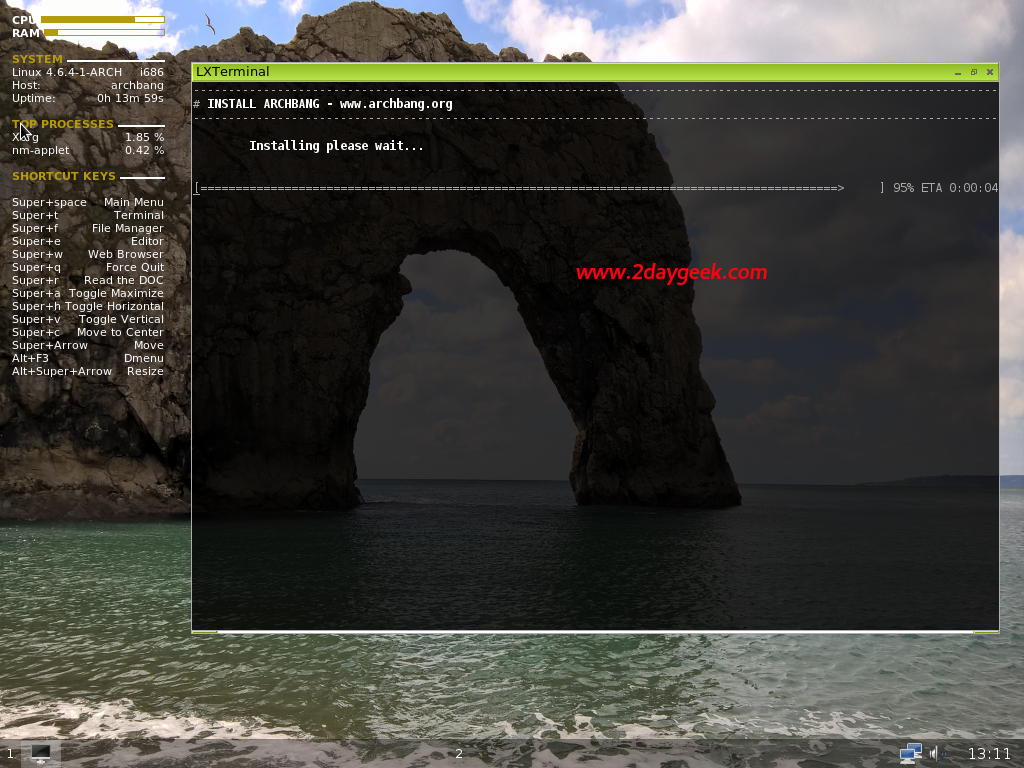
Enter 1 on the prompt to install ArchBang Base. It’s very quick process and wont take much time because ArchBang designed for old or low-end hardware with high performance and low resource utilization.
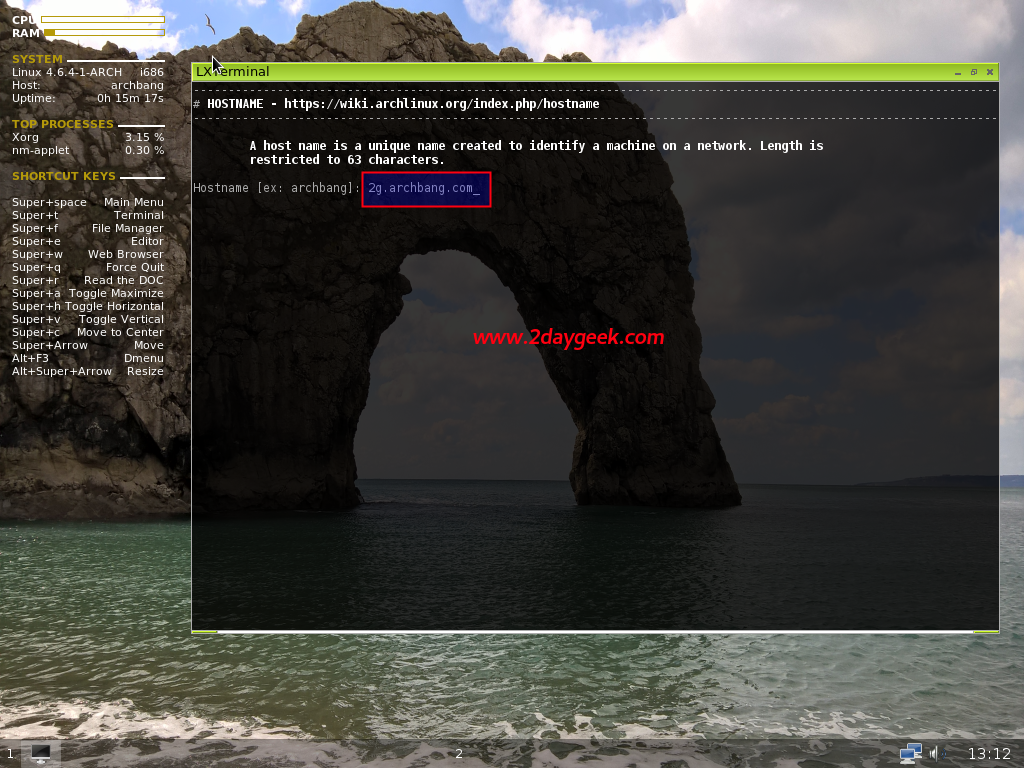
This is second step, just enter 2 on the prompt and enter your desired hostname, like 2g.archbang.com.
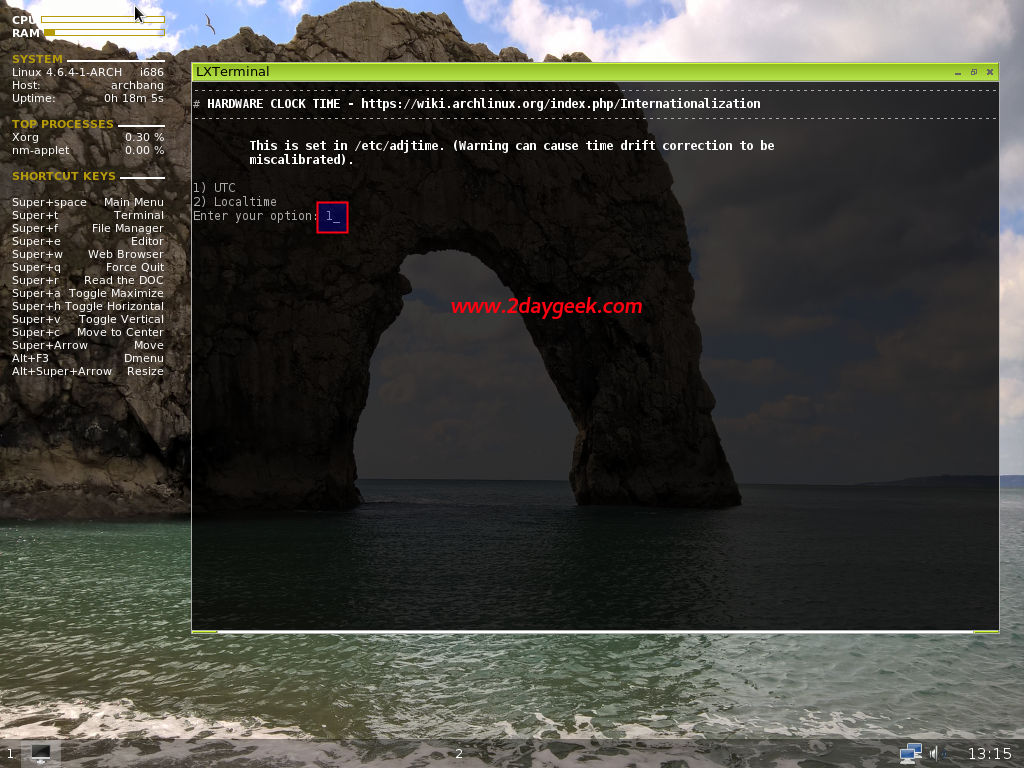
In step three you need to set the time (hardware clock) either Localtime or UTC (Coordinated Universal Time or Universal Time Coordinated). Which will modify on /etc/adjtime file. Just type 3 on prompt.
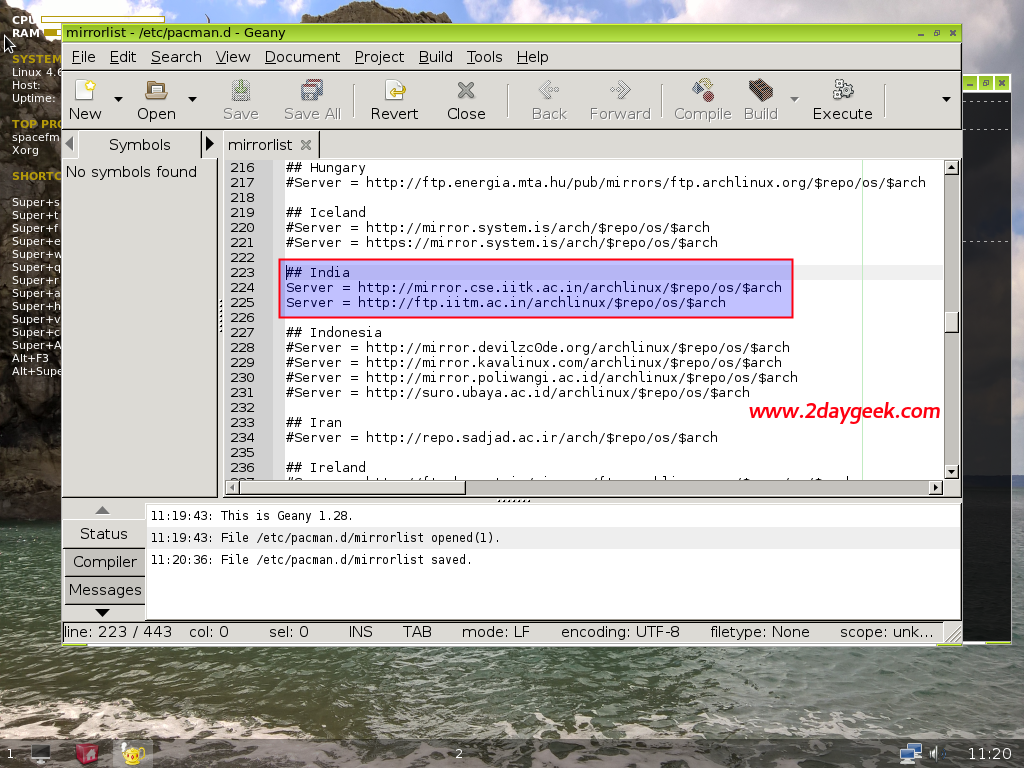
Next go to the 4th step by entering number 4, by default it’s mentioned optional but it’s not a optional because all the mirrors are comment out, we have to enable to work further with ArchBang by editing /etc/pacman.d/mirrorlist.
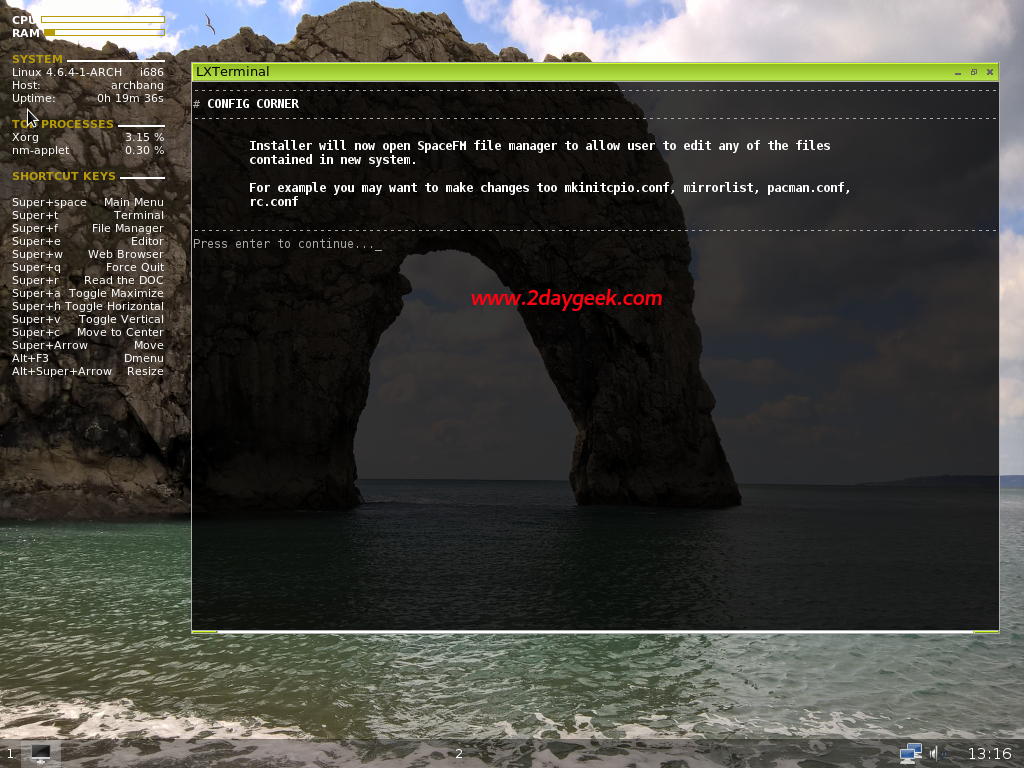
When you enter 4 on prompt, it will pop up file manager. Just navigate to /etc/pacman.d/mirrorlist file and uncomment nearest mirror based on country.
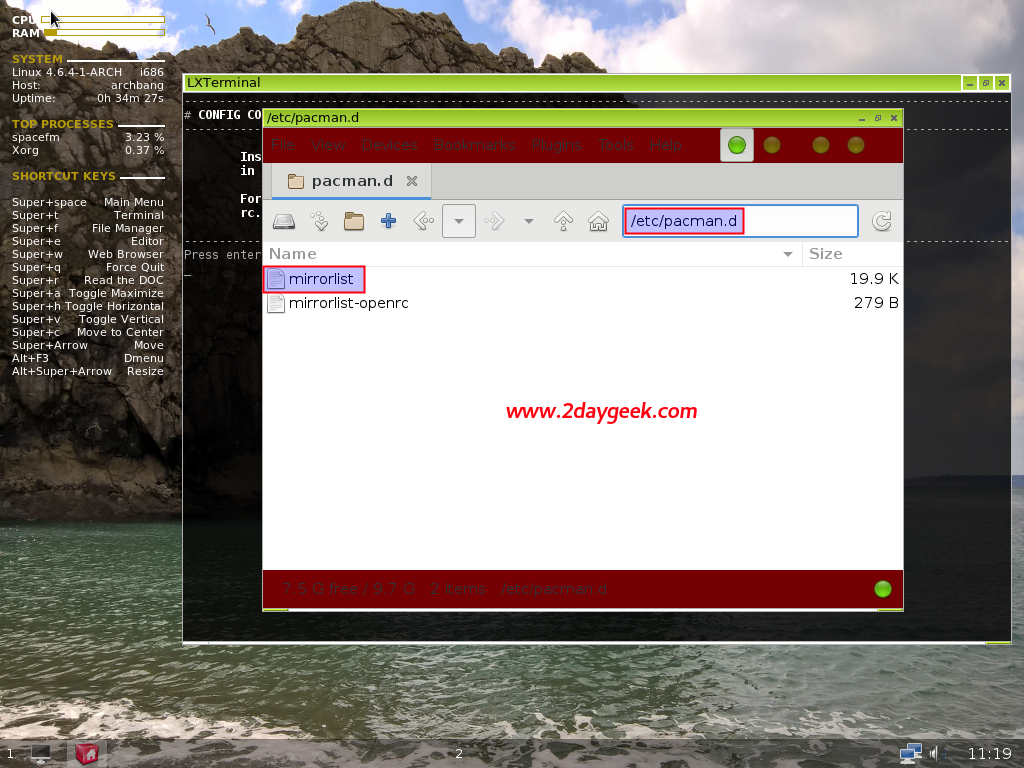
I’m from India, so i will uncomment India based mirrors by removing # symbol from the line. Finally save the file and close it.